What is Yeaft?
Yeaft is a multi-provider AI collaboration platform — a web UI on the front, with Claude Code CLI, GitHub Copilot CLI, or Yeaft's own multi-VP engine behind it. One interface, three backends, switch as your task demands.
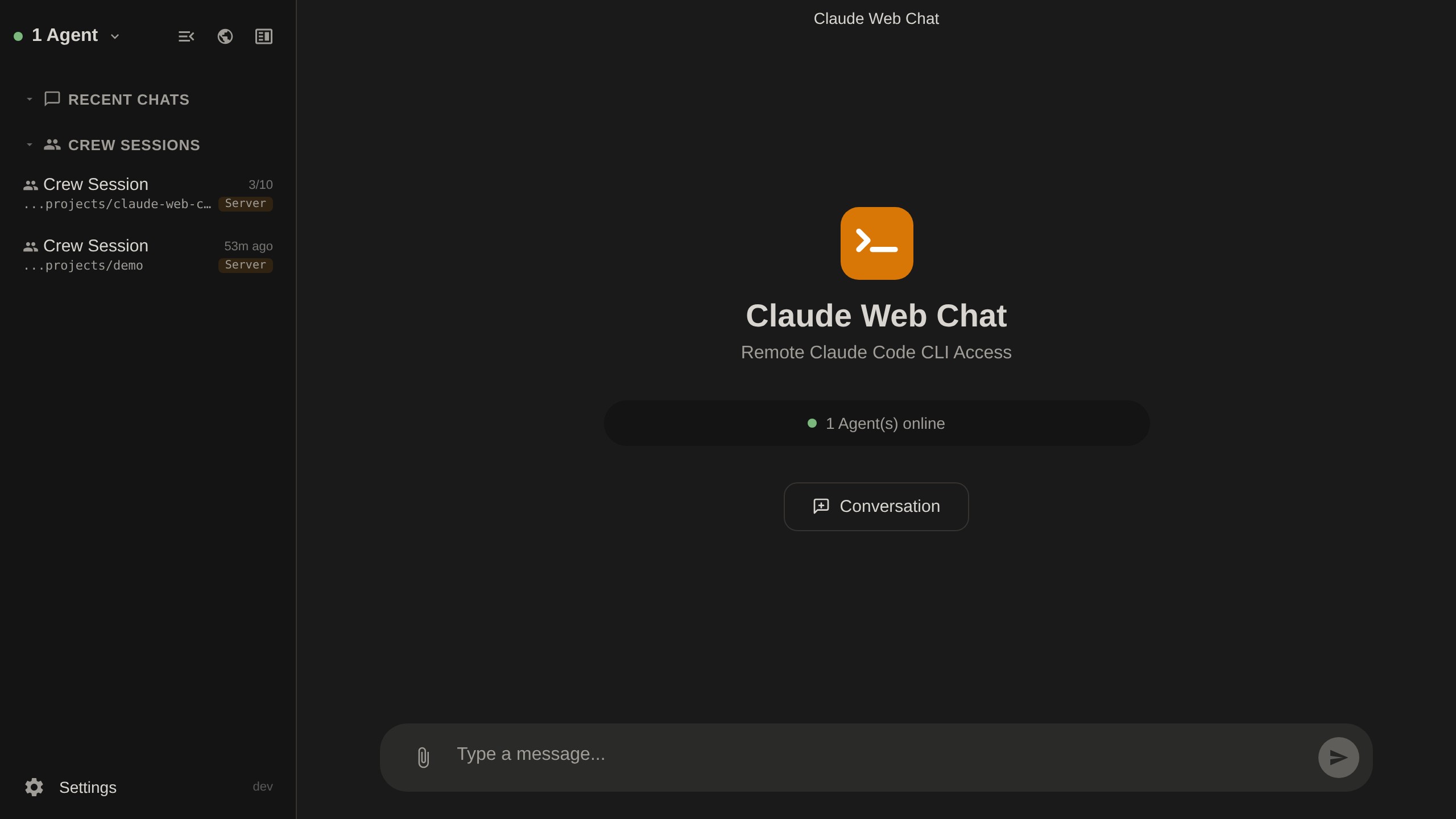
Three Backends, Each Has Its Strengths
Yeaft doesn't lock you to a single AI backend. When you start a new session you pick:
| Backend | Best for | Details |
|---|---|---|
| Claude Code | 1:1 chat with the full Claude toolset | Chat Mode |
| Copilot | Same 1:1 shape but via GitHub Copilot CLI (ACP), pick any Claude / GPT model | Copilot Mode |
| Yeaft Sessions | Multi-VP group collaboration, parallel fan-out, cross-session persistent memory | Yeaft Sessions |
Not sure which? See Choose a Session Backend.
Core Capabilities
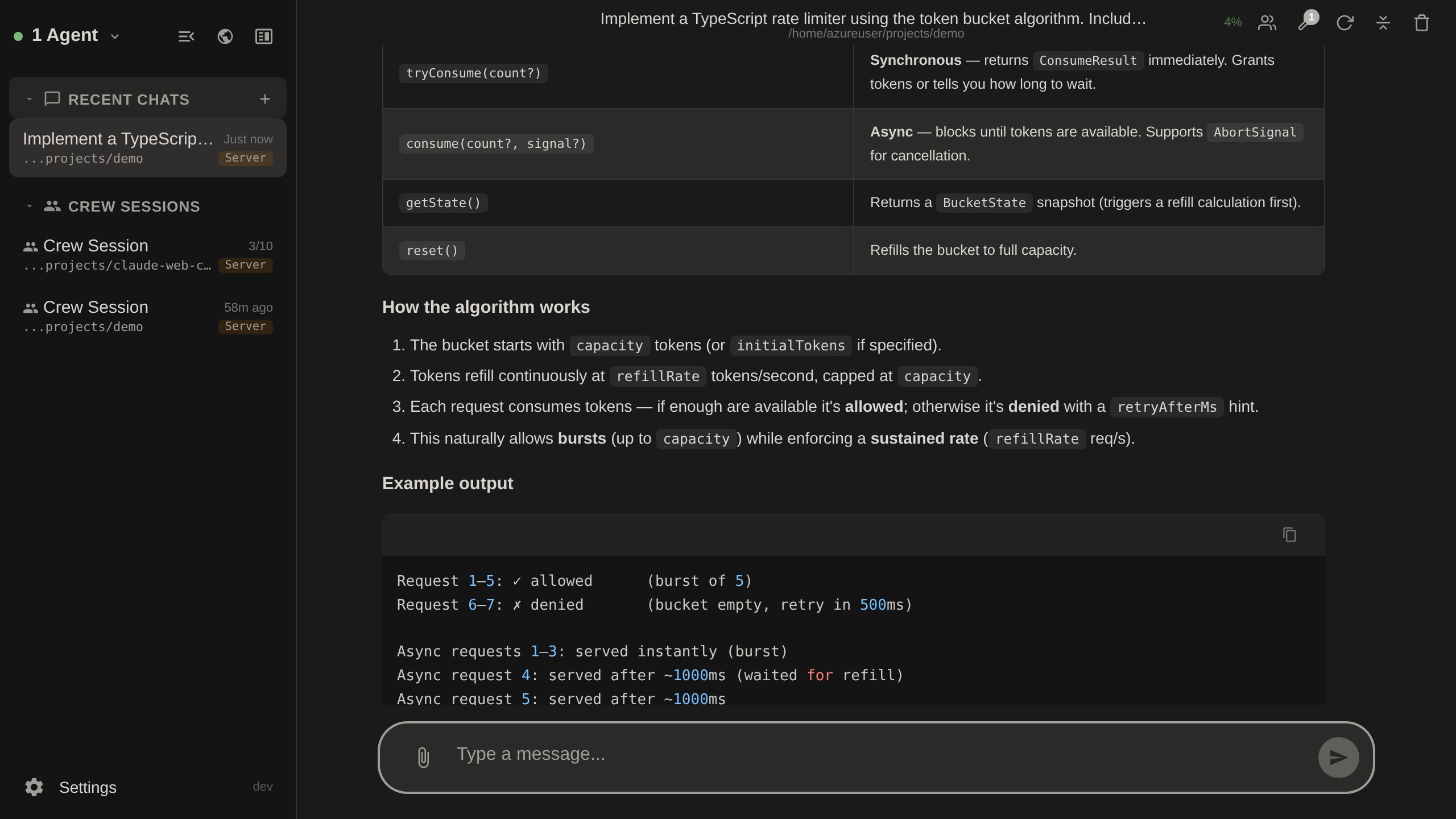
💬 Multi-mode chat
- ChatGPT-style UI, streaming output
- Live tool execution visualization (Read / Edit / Bash / WebFetch, etc.)
- Slash commands + autocomplete
- Drag-drop file / image attachments
- Bilingual UI (English / 中文) + dark / light theme
👥 Yeaft Sessions
- Create a group, drop multiple VPs (Virtual Persons, independently configurable persona / model / tools)
@mentiondecides which VPs handle the message — parallel fan-out- Cross-session persistent memory (H2-AMS) — VPs remember what you said last time
- Explicit VP→VP handoff (
route_forwardtool)
🧠 Expert Panel
AI expert teams in a side panel that assist your main conversation.
- Multiple pre-built expert teams
- Chip-style team switcher
- Runs alongside main chat without interrupting
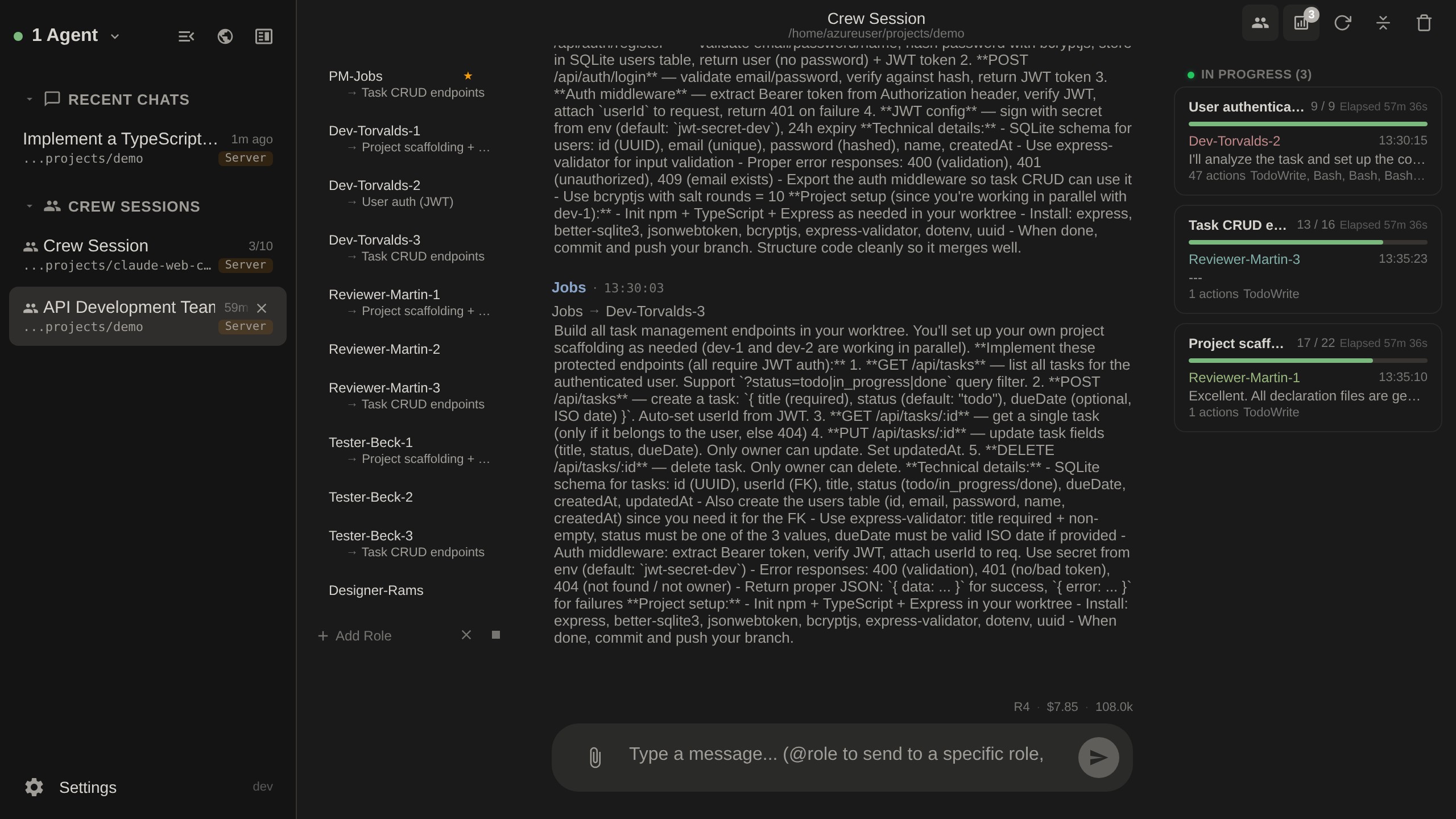
👷 Crew Multi-Role
PM / dev / reviewer / tester / architect / designer running features in parallel.
- ROUTE protocol routes between roles
- Feature board + kanban status
- Parallel execution across worktrees
- ask-user cards interrupt for decisions
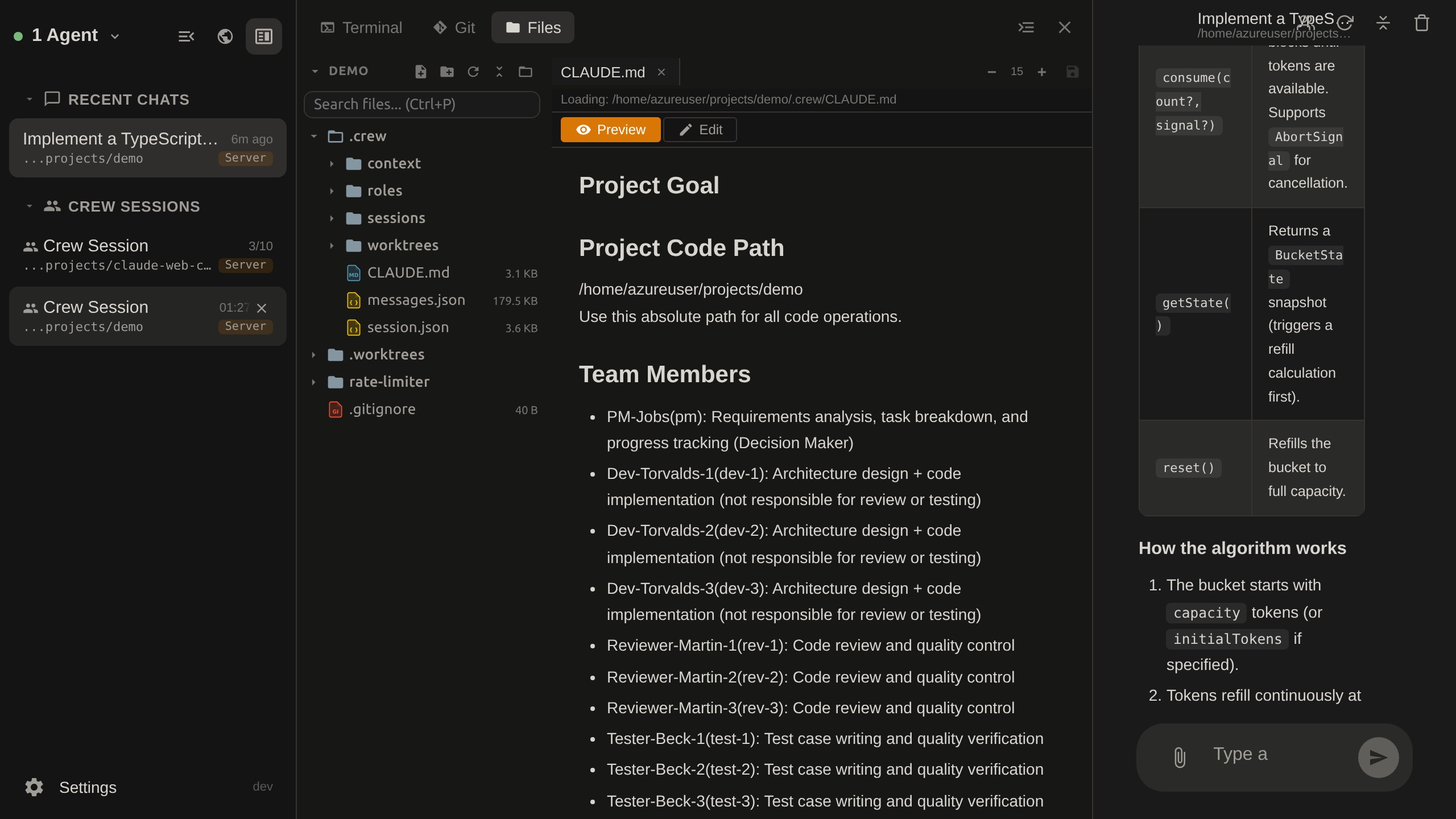
🖥️ Split Screen + Workbench
- Split screen: up to 3 panels showing different sessions at once
- Workbench: terminal / Git / files / port proxy, all in one
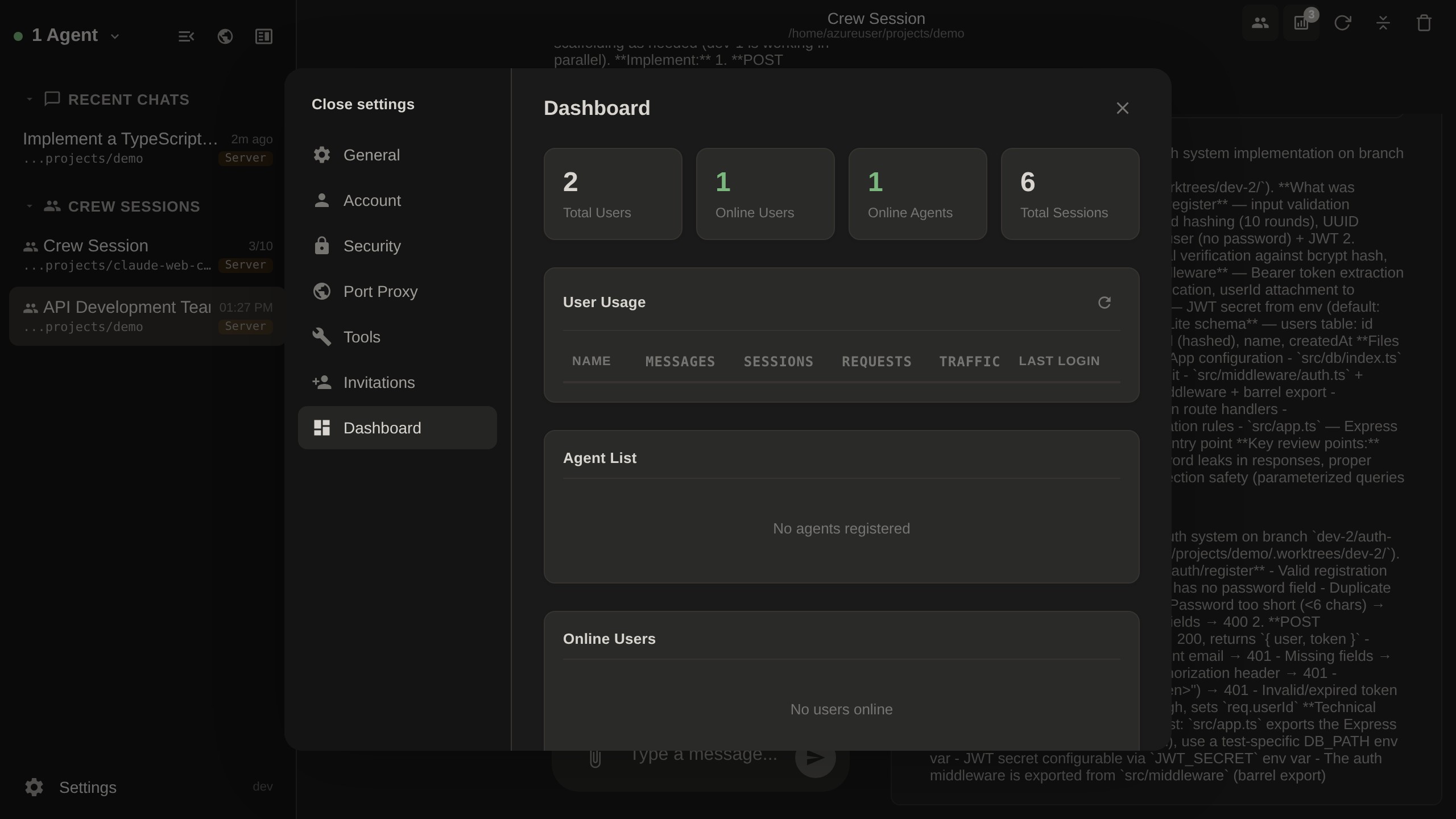
📊 Admin Dashboard
User activity / agent status / traffic stats.
Prerequisites
- Server: Node.js >= 22.5, Docker recommended for production
- Agent: Node.js >= 22.5, plus:
- Claude Code CLI (required for Claude Chat mode)
- GitHub Copilot CLI (optional, required for Copilot mode)
- Yeaft engine is bundled in the npm package — no extra CLI needed
- Web Client: Modern browser (Chrome / Firefox / Safari / Edge)
Tech Stack
- Server: Node.js, Express, ws, node:sqlite, compression
- Frontend: Vue 3, Pinia, xterm.js, CodeMirror 5, marked, highlight.js
- Build: esbuild
- Testing: Vitest (2,700+ unit/integration tests), Playwright (E2E)
- Encryption: TweetNaCl (XSalsa20-Poly1305)
- Auth: JWT, bcrypt, speakeasy (TOTP), nodemailer
- Docs: VitePress
- Deploy: Docker multi-stage build
What's Next
- Never installed → Getting Started
- Picking a backend → Choose a Session Backend
- Understanding the architecture → Architecture Overview