Agent Setup
The Agent is a Node.js process that runs on a machine you control (your laptop, a VPS, a dev container) and connects to the Yeaft server over WebSocket. One Agent process can handle all three backends — Claude Code chat, Copilot chat, and Yeaft Sessions — depending on what CLIs are installed locally.
Prerequisites
You need Node.js 22.5+ on the machine. None of the CLIs below are mandatory — install only the ones you want to use:
| Backend | Required CLI | How to install |
|---|---|---|
| Claude Code chat | Claude Code CLI (claude command, authenticated) | npm install -g @anthropic-ai/claude-code then claude login |
| Copilot chat | GitHub Copilot CLI (copilot command, GitHub auth) | install via gh extension install github/gh-copilot or the standalone Copilot CLI, then copilot auth login |
| Yeaft Sessions | None — engine is bundled in the npm package; you only need ~/.yeaft/config.json with at least one LLM provider configured | See Yeaft Engine Config |
The Agent capability-detects what's installed at startup and exposes only the backends that actually work — for example, if you don't have the Copilot CLI on this machine, the Copilot option won't show up in the new-session dialog.
Via npm (recommended)
npm install -g @yeaft/webchat-agent

# Run once (foreground)
yeaft-agent --server wss://your-server.com --name worker-1 --secret your-secret

# Or install as system service (auto-start on boot, auto-restart on crash)
yeaft-agent install --server wss://your-server.com --name worker-1 --secret your-secret

# Manage installed service
yeaft-agent status                 # check if running
yeaft-agent logs                   # view logs (follow mode)
yeaft-agent restart                # restart
yeaft-agent uninstall              # remove service
From source
For development or without npm global install:
cd agent
cp .env.example .env
# Edit .env — set SERVER_URL, AGENT_NAME, AGENT_SECRET, WORK_DIR

# Run in foreground
node index.js

# Or install as system service (reads config from .env)
node cli.js install

# Manage installed service
node cli.js status
node cli.js logs
node cli.js uninstall
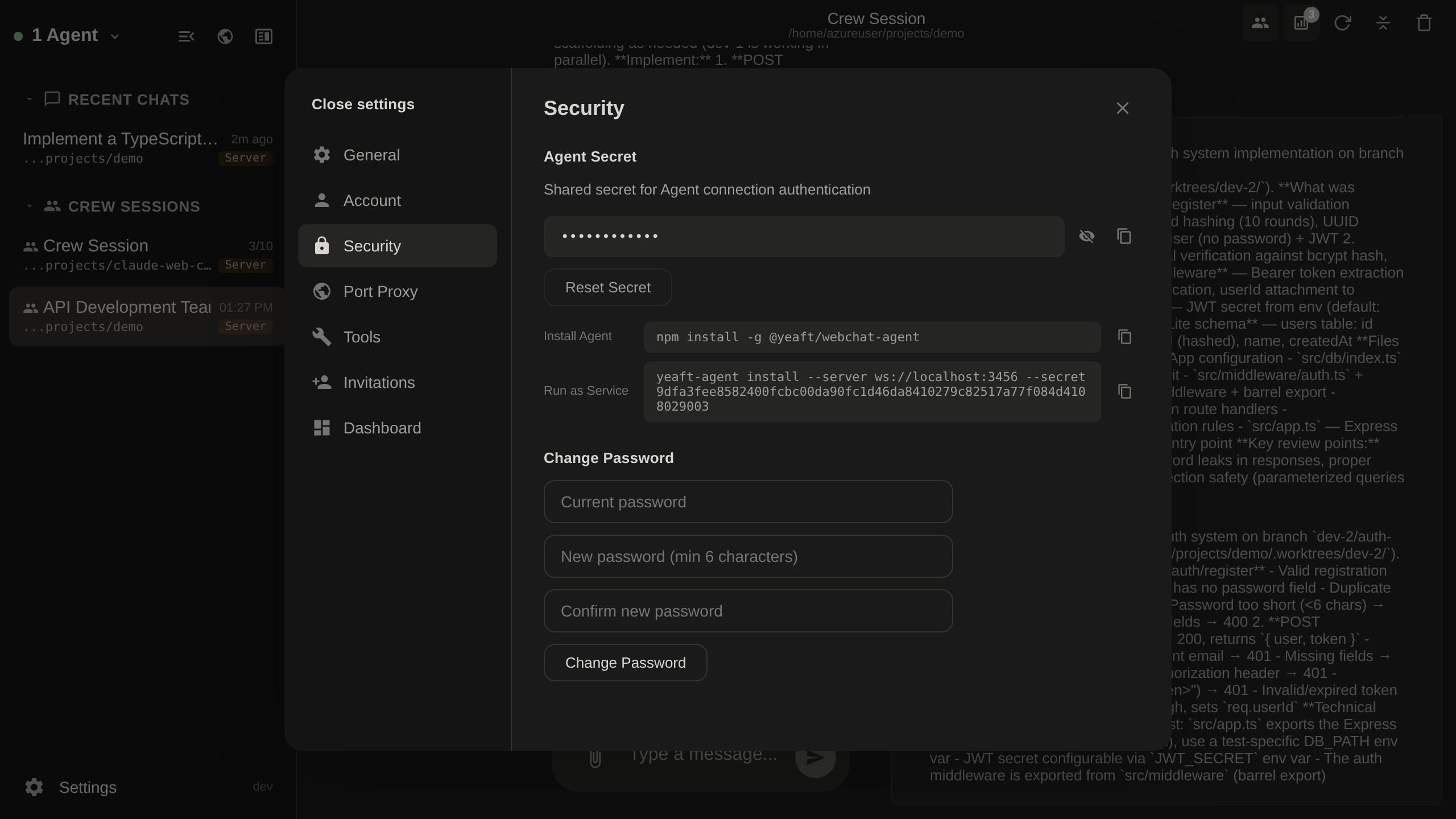
Finding the Agent Secret
You can find the Agent secret in Settings > Security within the web interface:
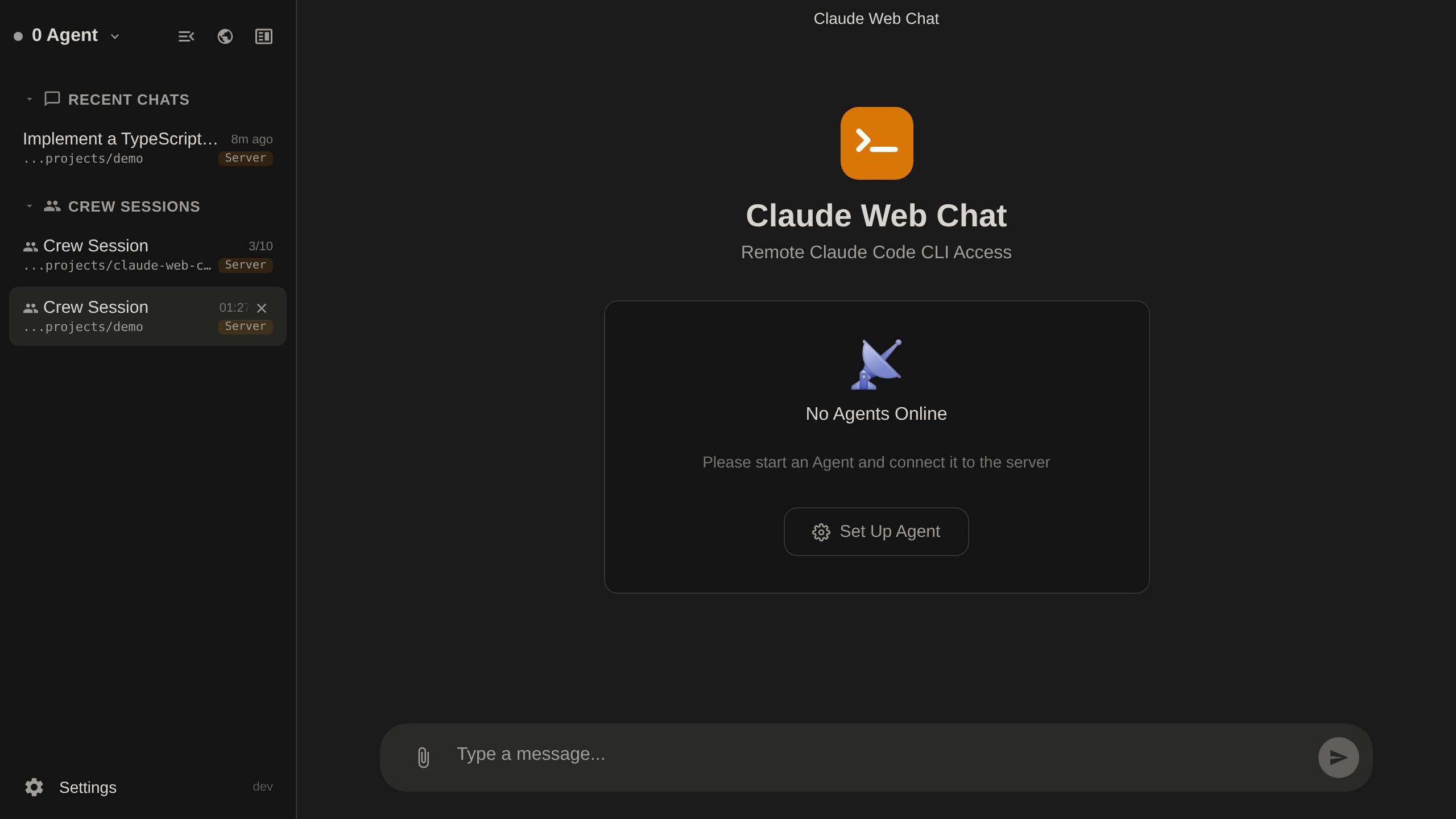
When no Agent is connected, the welcome page guides you to Settings:
Verify the Backend Is Available
After the Agent connects, open the web UI and start a new session:
- Claude Code option missing →
claude --versiondoesn't work on the agent machine, or the CLI isn't logged in - Copilot option missing →
copilot --versiondoesn't work on the agent machine, or Copilot CLI isn't authenticated - Yeaft Sessions option always available — the engine is bundled, but you still need
~/.yeaft/config.jsonwith at least one provider before you can actually run a chat
For Yeaft engine setup, jump to Yeaft Engine Config.