Agent 安装
Agent 是一个跑在你自己机器(笔记本、VPS、开发容器)上的 Node.js 进程,通过 WebSocket 连到 Yeaft 服务器。一个 Agent 进程能同时处理三种后端 —— Claude Code、Copilot、Yeaft 会话 —— 具体哪几个可用,取决于本机装了哪些 CLI。
前置要求
机器需要 Node.js 22.5+。下表的 CLI 都不是必须的 —— 你想用哪种后端就装哪个:
| 后端 | 必需 CLI | 安装方式 |
|---|---|---|
| Claude Code 聊天 | Claude Code CLI(claude 命令,已登录) | npm install -g @anthropic-ai/claude-code,然后 claude login |
| Copilot 聊天 | GitHub Copilot CLI(copilot 命令,已 GitHub 鉴权) | gh extension install github/gh-copilot 或者独立的 Copilot CLI,然后 copilot auth login |
| Yeaft 会话 | 无 —— 引擎随 npm 包一起发;你只需要在 ~/.yeaft/config.json 里配好至少一个 LLM provider | 见 Yeaft 引擎配置 |
Agent 启动时会做能力检测,只把本机能跑通的后端暴露出来 —— 比如本机没装 Copilot CLI,新建会话弹窗里就不会出现 Copilot 选项。
npm 安装(推荐)
bash
npm install -g @yeaft/webchat-agent

# 前台运行
yeaft-agent --server wss://your-server.com --name worker-1 --secret your-secret

# 或安装为系统服务(开机自启、崩溃自重启)
yeaft-agent install --server wss://your-server.com --name worker-1 --secret your-secret

# 管理已安装的服务
yeaft-agent status                 # 查看运行状态
yeaft-agent logs                   # 查看日志(跟踪模式)
yeaft-agent restart                # 重启
yeaft-agent uninstall              # 卸载服务
从源码运行
开发环境或不使用 npm 全局安装:
bash
cd agent
cp .env.example .env
# 编辑 .env — 设置 SERVER_URL, AGENT_NAME, AGENT_SECRET, WORK_DIR

# 前台运行
node index.js

# 或安装为系统服务(自动读取 .env 配置)
node cli.js install

# 管理已安装的服务
node cli.js status
node cli.js logs
node cli.js uninstall
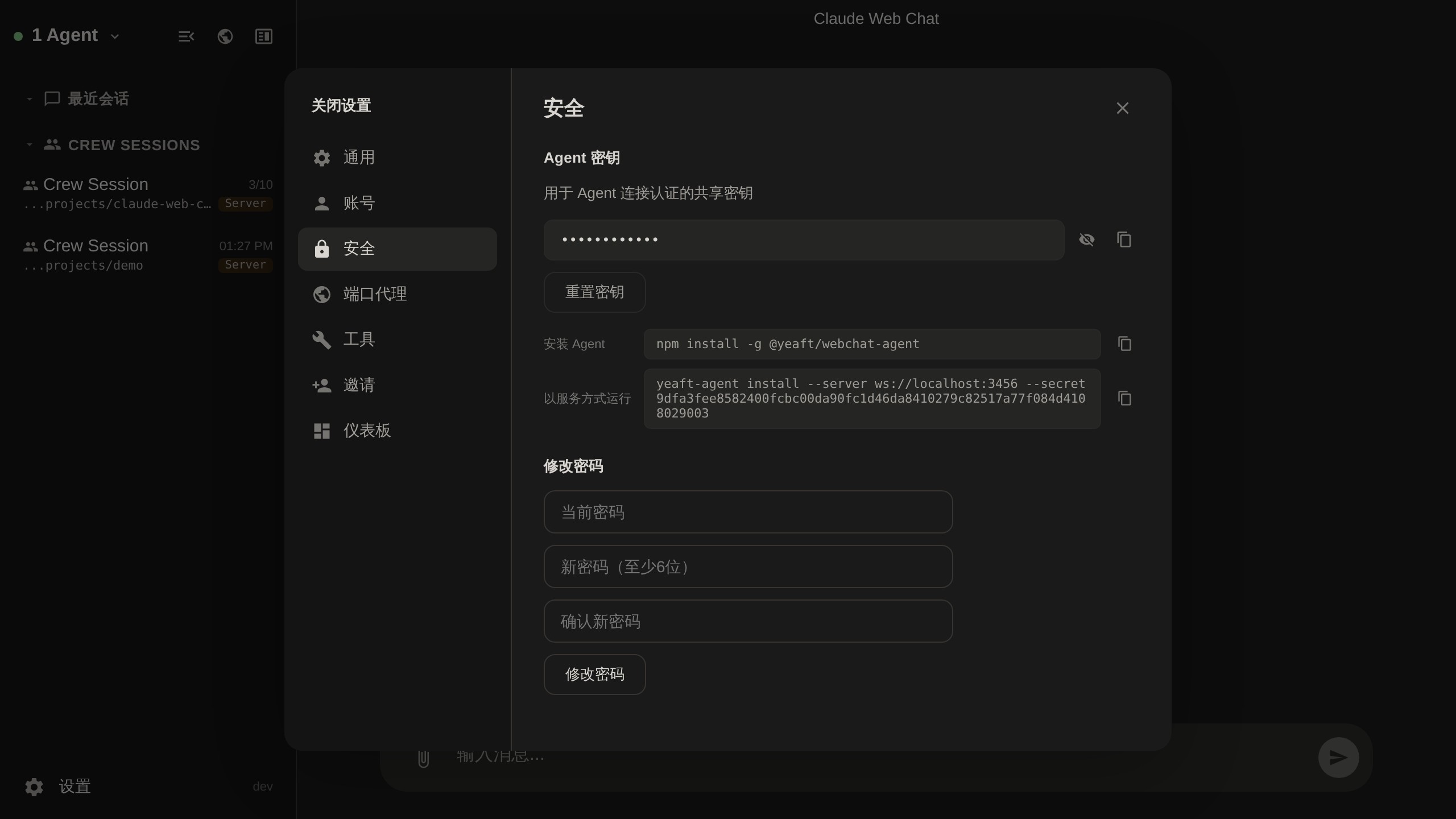
查找 Agent Secret
Agent Secret 可在 Web 界面的 设置 > 安全 中找到:
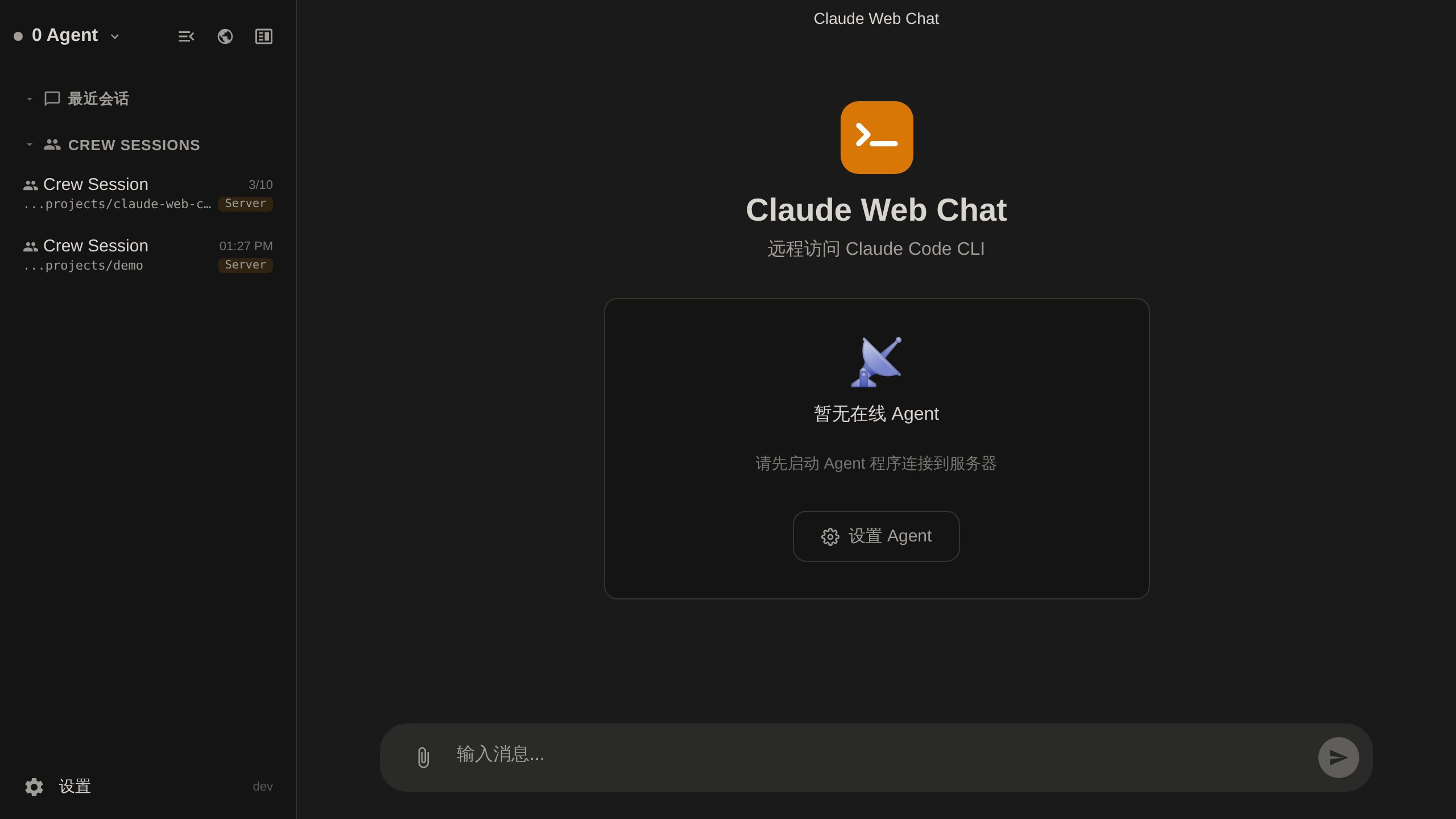
当没有 Agent 连接时,首页会引导你前往设置页面:
验证后端是否可用
Agent 连接成功后,打开 Web UI 新建一个会话:
- Claude Code 选项消失 → 说明 agent 机器上
claude --version不能跑,或 Claude CLI 没登录 - Copilot 选项消失 → 说明 agent 机器上
copilot --version不能跑,或 Copilot CLI 没鉴权 - Yeaft 会话 选项始终在 —— 引擎已经打包好了,但实际跑聊天前需要先在
~/.yeaft/config.json里配至少一个 provider
Yeaft 引擎配置详见 Yeaft 引擎配置。